Tools that make learning, wellbeing, and engagement visible.
Ripplet combines the routines teachers use during class with timed assessment, Math practice, schoolwide clubs, and the quieter signals that often get missed until later.
Student voice and follow-up that support students beyond a single quiz result
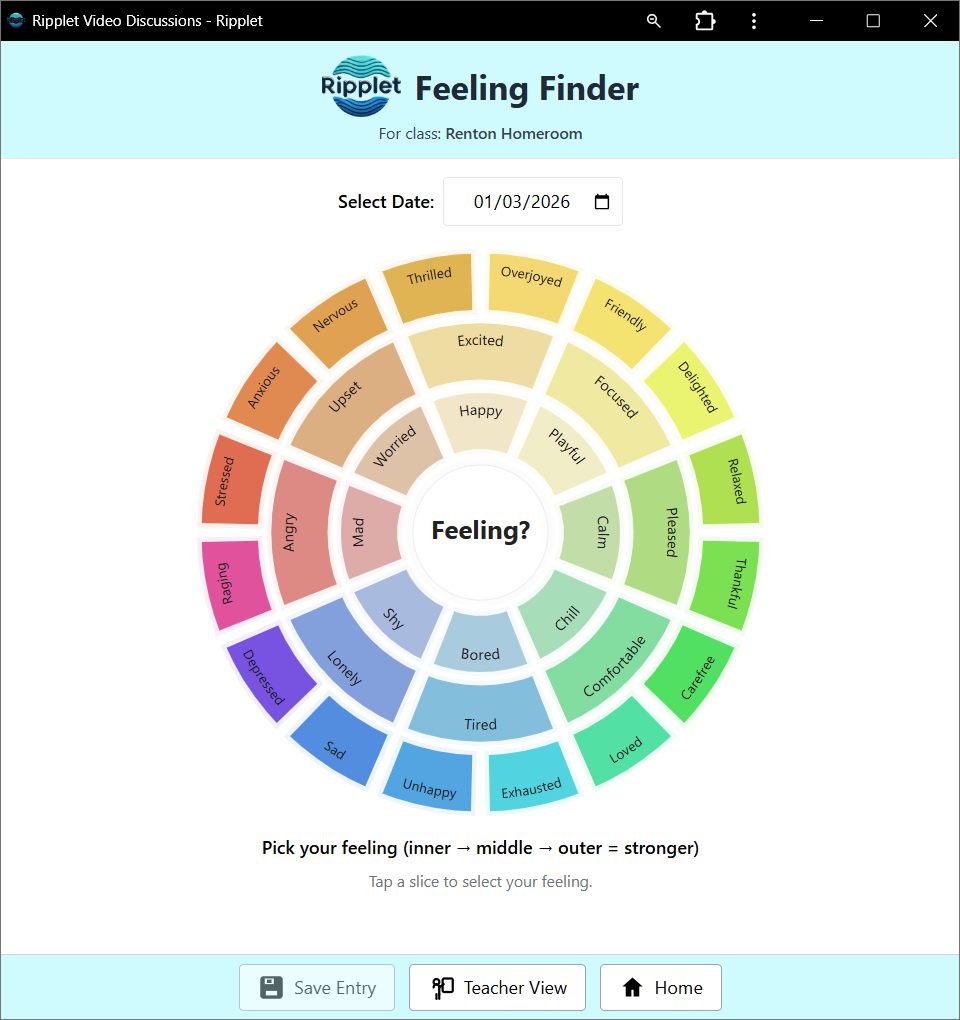
Feeling Finder
Students check in with a feeling wheel, optional written or spoken explanation, and teacher views that include class snapshots, student histories, and Show All entries.
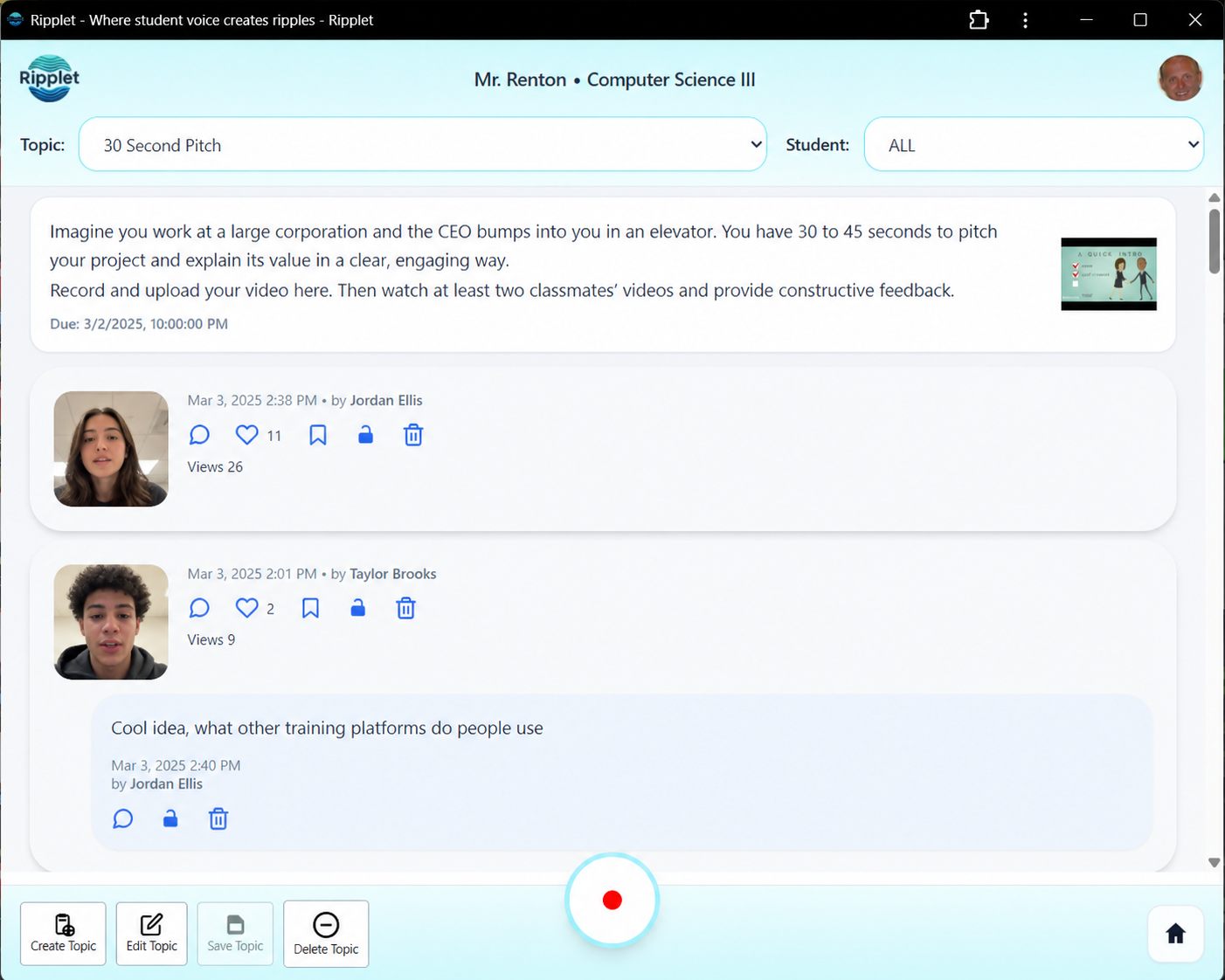
Video Discussions
A discussion flow for creating topics, editing topics in place, recording responses, and replying to students. Any student can turn off the camera before responding and type an answer instead, so every discussion works equally well as a text discussion.
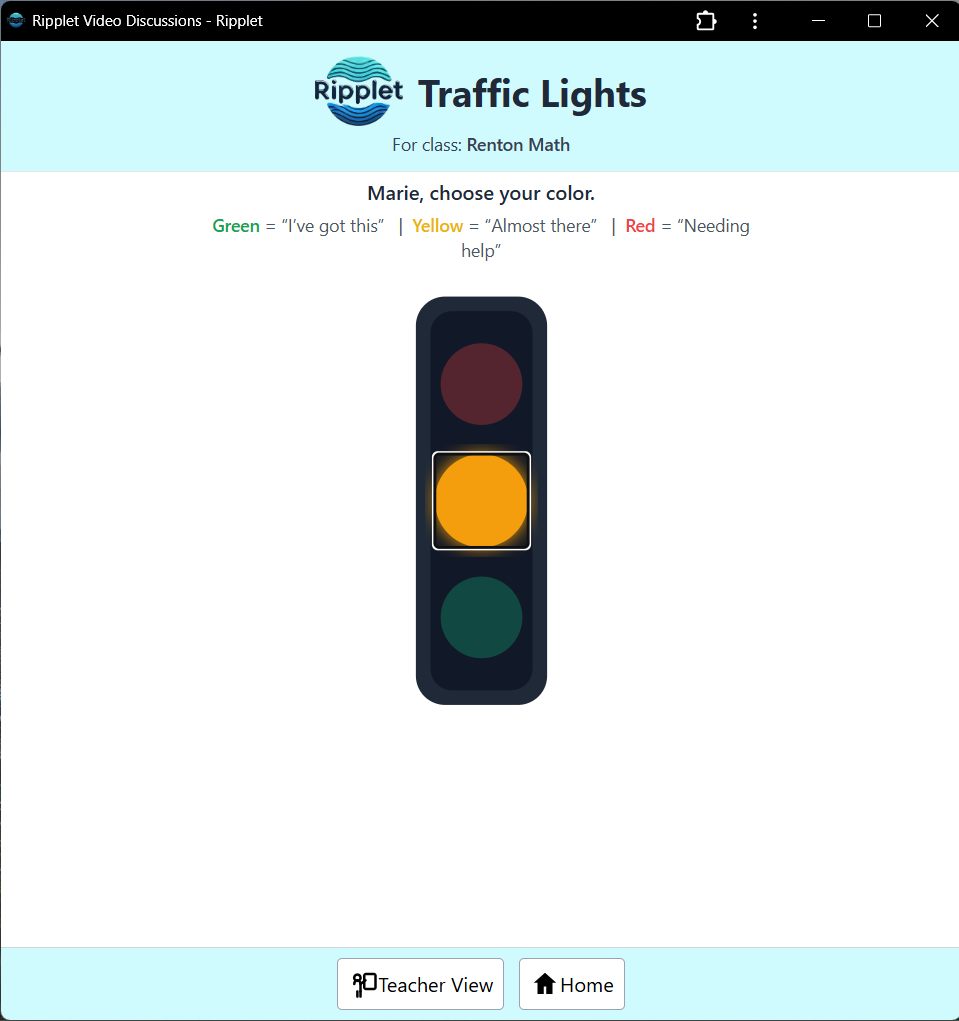
Traffic Lights
A fast red, yellow, green check-in that shows how students are progressing and helps teachers adjust support while the lesson is still active.
Live Quiz
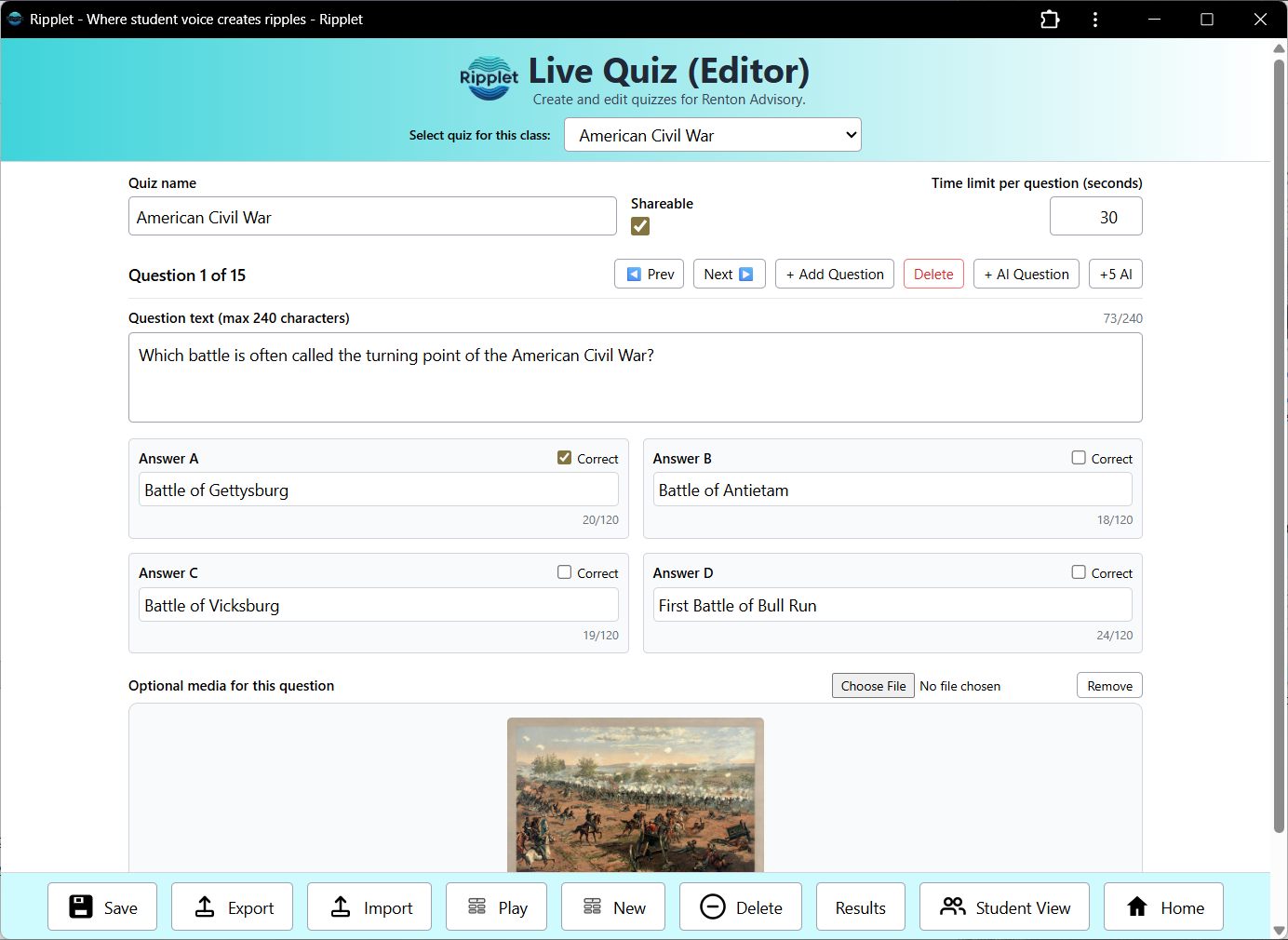
A live assessment flow with quiz editing, student join screens, media-supported questions, pauseable answer review, leaderboards, and final standings. Built-in AI question generation can draft a full multiple-choice question and answers based on the quiz's title or topic, or just fill in answer choices for a question you've already typed, so building a quiz doesn't mean writing every question by hand.
Timed Tests in Live Quiz
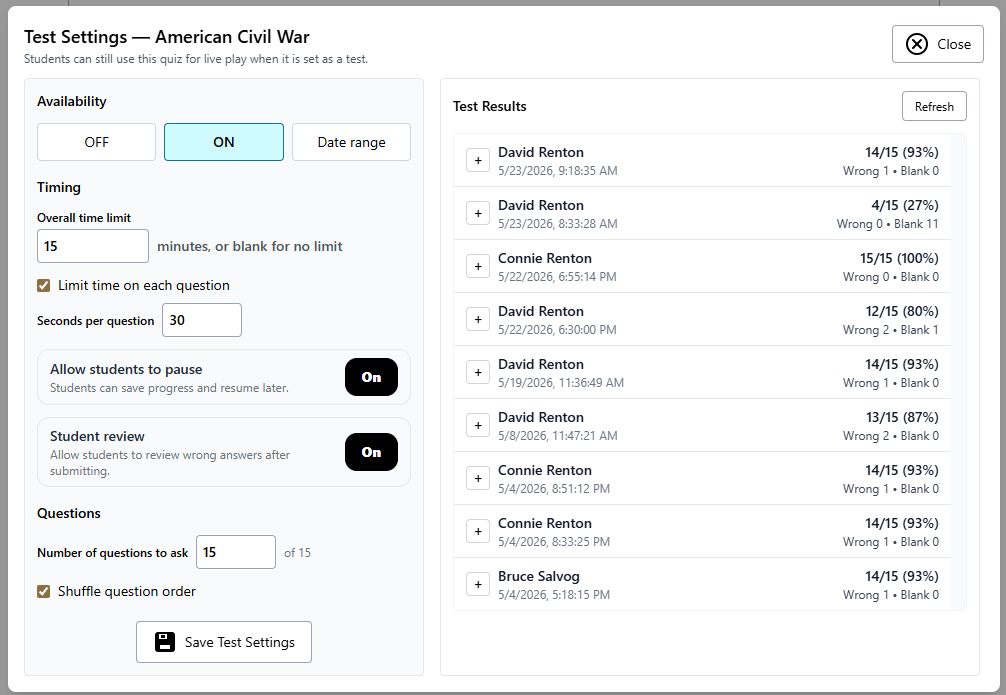
Any Live Quiz can become an individual timed multiple-choice assessment with automatic grading, attempt records, regrading, reporting, optional pause and resume, student review controls, and printable question-by-question reports.
Blufflet
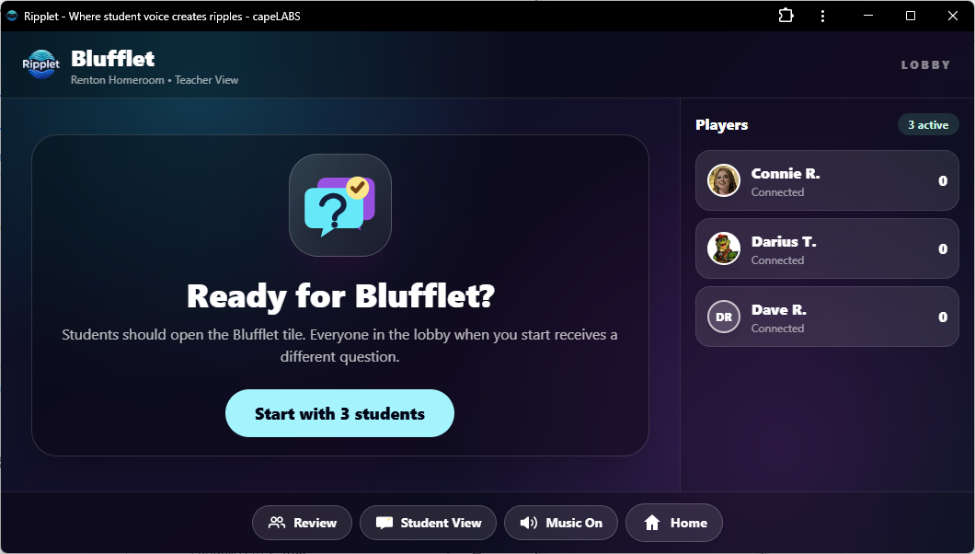
A live whole-class guessing game where students answer private questions, invent believable bluffs, vote for the true answer, and earn points while building classroom community.
Risklet
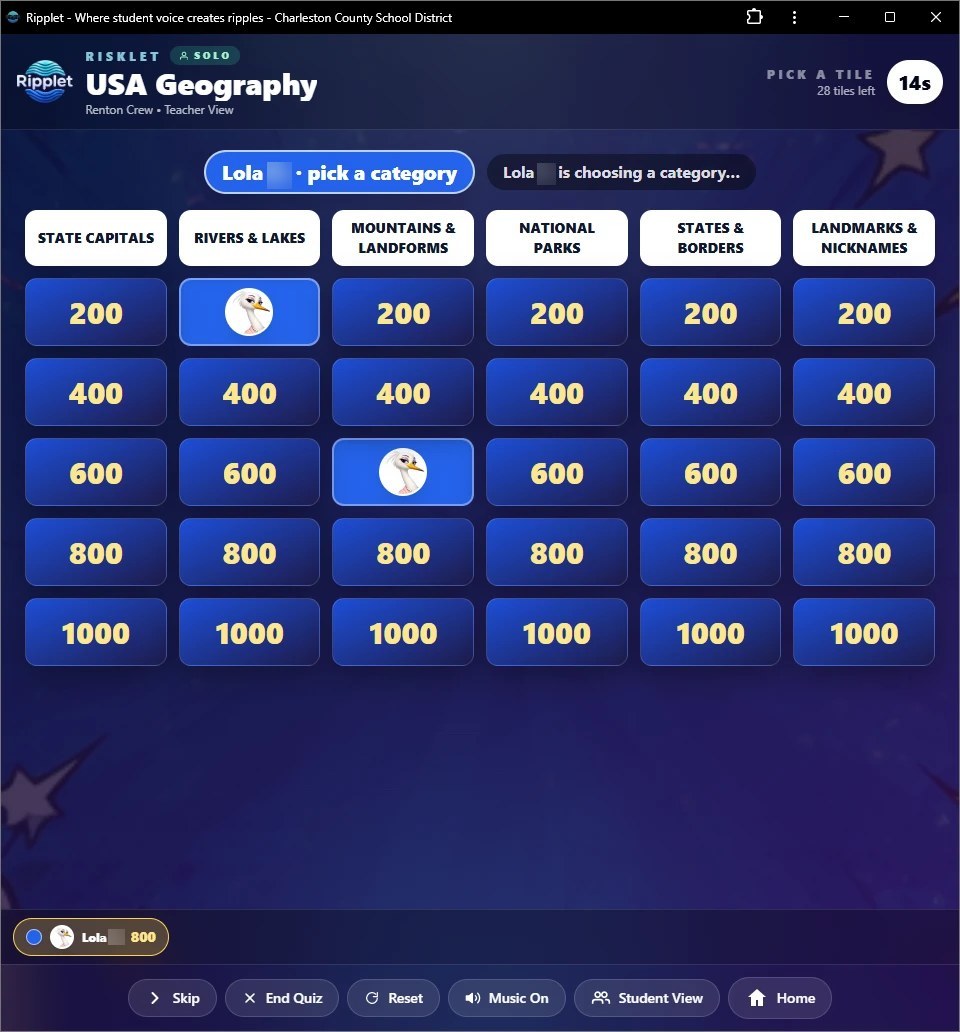
A game-show style quiz board projected for the class, played solo or in teams using the class's own Teams or randomly built ones. Students join on their own devices, pick a character, and take turns choosing a category and value; on a team, anyone can answer and the first answer counts. In the editor, teachers build six categories of 200 to 1000 point tiles with one or two questions each, set the answer time limit, add images, audio, or video, and let AI write a category's questions from easiest to hardest. Boards can be shared with other teachers, exported, imported, or copied to other classes. A free standalone version is on the home page.
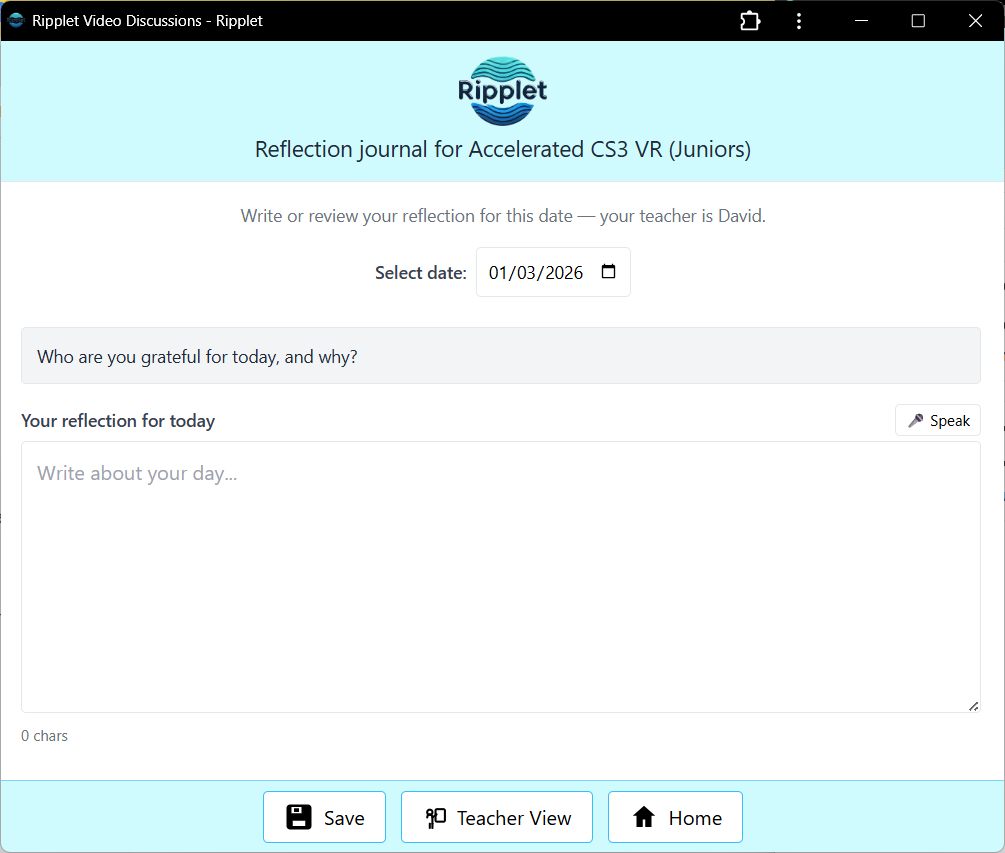
Reflection Journal
Daily prompts with typed or dictated responses so students can process learning and teachers can spot patterns over time.
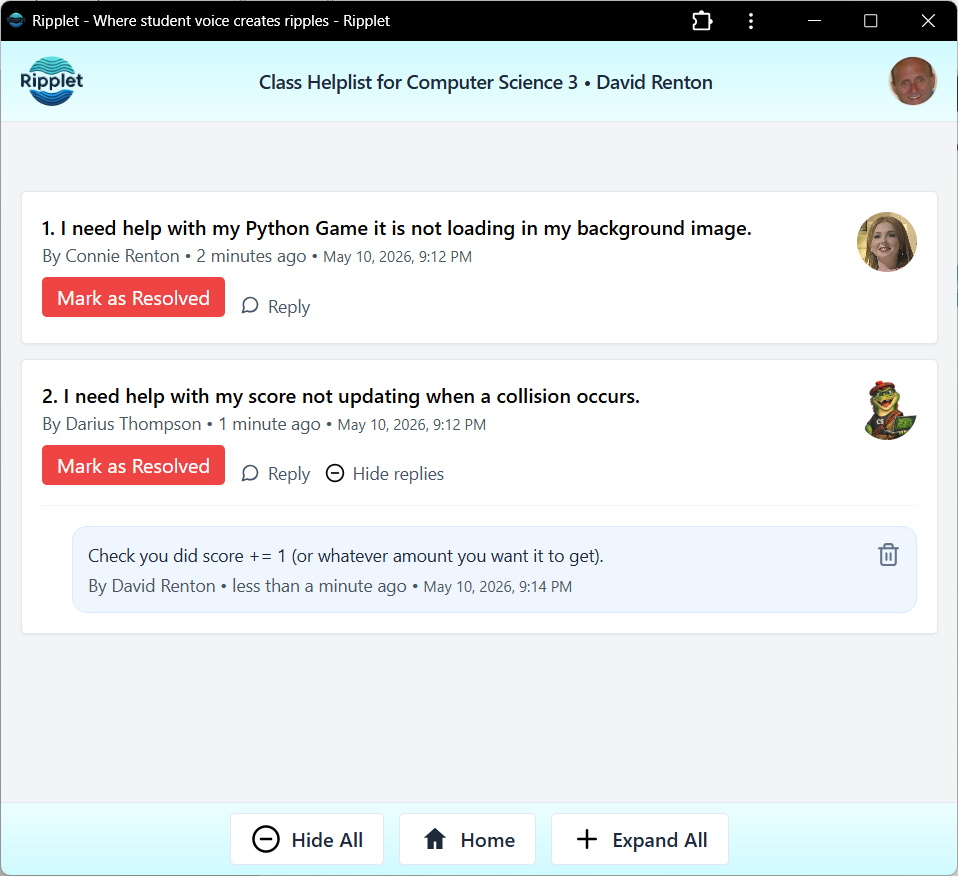
Helplist
Discreet help requests with optional attachments so students can ask for support without interrupting the rest of the room.
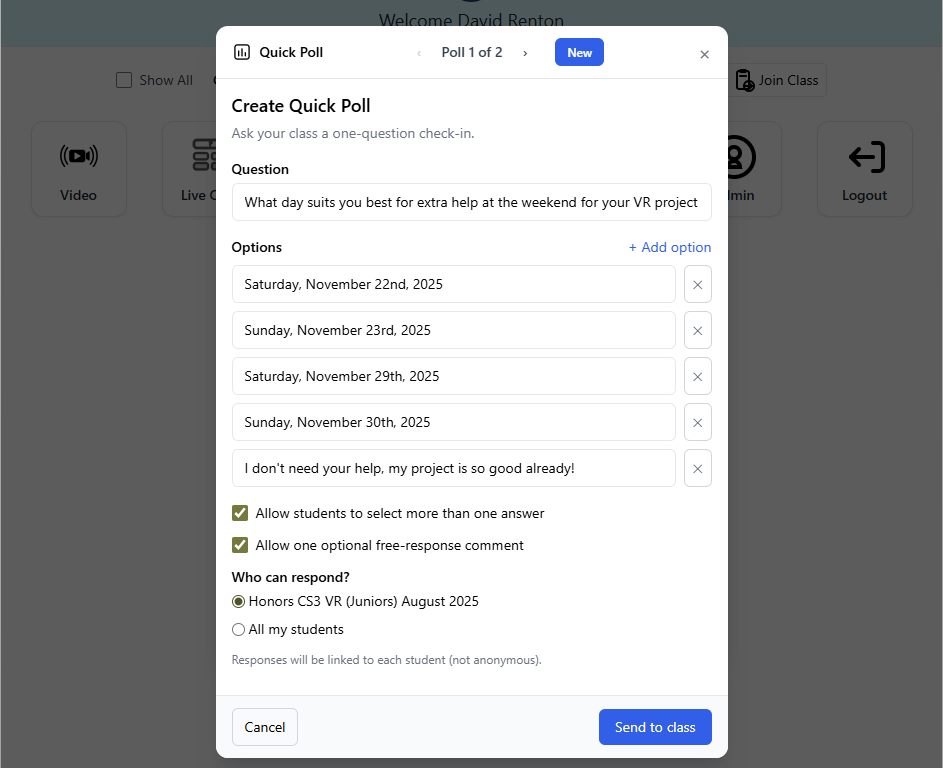
Quick Poll
Single-question live polls for fast class decisions, pulse checks, lightweight participation, and instant result review. A full-screen Presentation Mode shows results updating live for the projector, with question navigation and a per-answer breakdown of which students chose it.
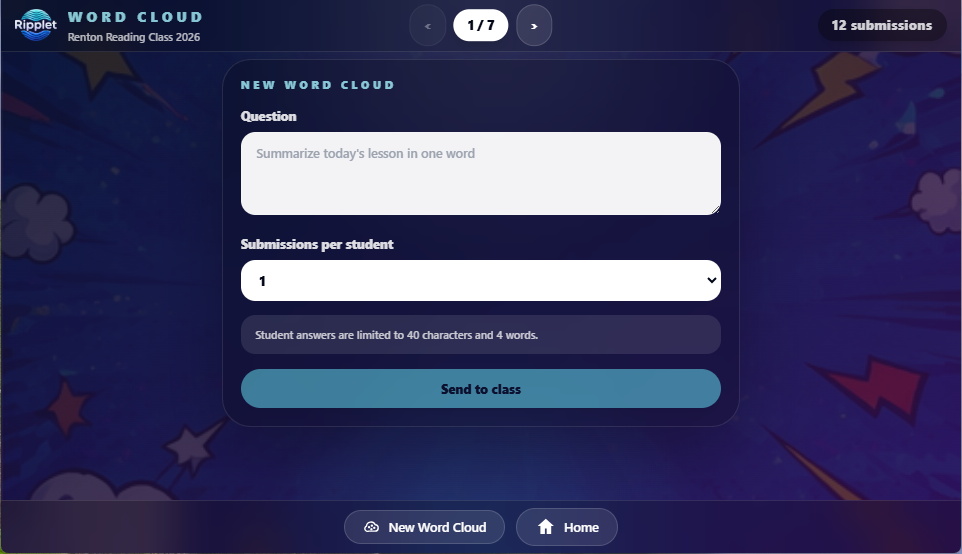
Word Cloud
Class prompts that collect one word or a short phrase from students, combine repeated responses, and build a live word cloud for warm-ups, vocabulary checks, reflections, and quick temperature checks. Teachers can drill into exactly who submitted each word, get an AI-generated summary that groups similar responses, and reopen a past word cloud to keep collecting or start fresh.
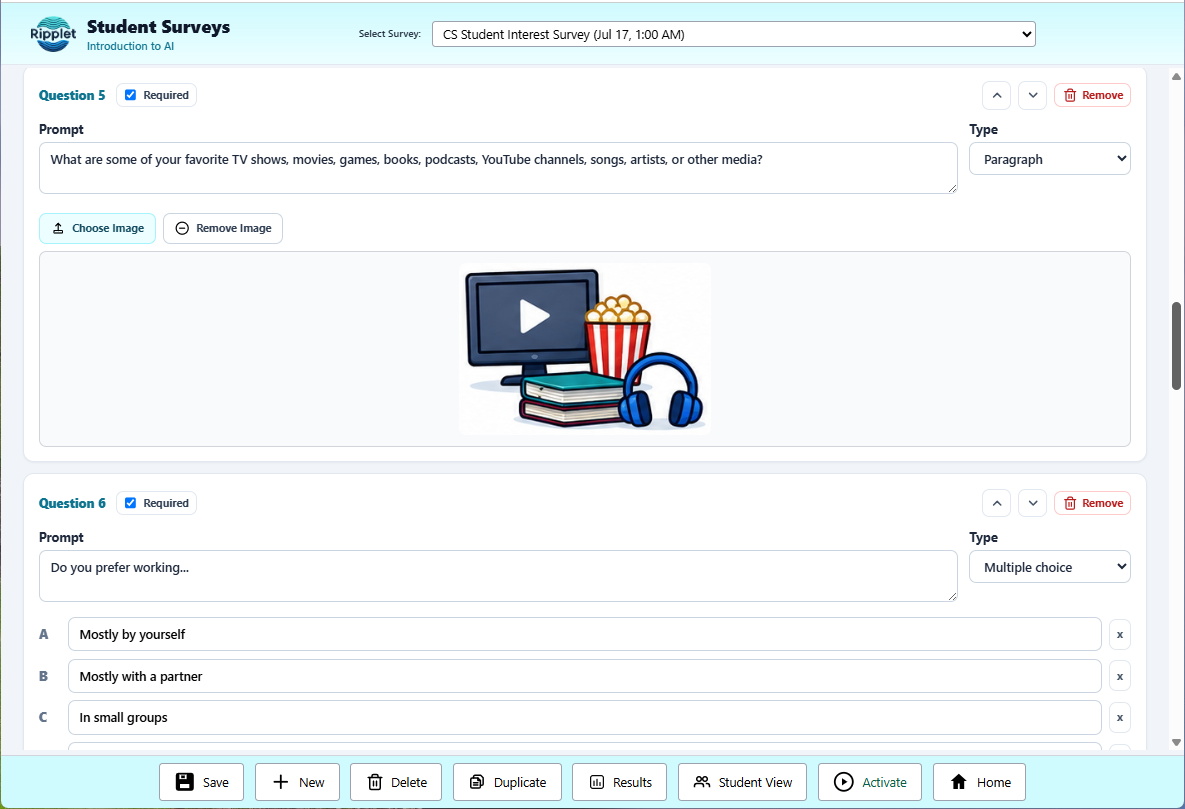
Surveys/Tasks
Multi-question student surveys and tasks with short answer, paragraph, multiple choice, checkboxes, star scales, optional images, required questions, scheduling, response edits, duplication, and summary or individual results. Any survey can also be assigned to a Team as a shared, individual, or mixed group task — see Ripplet Classroom.
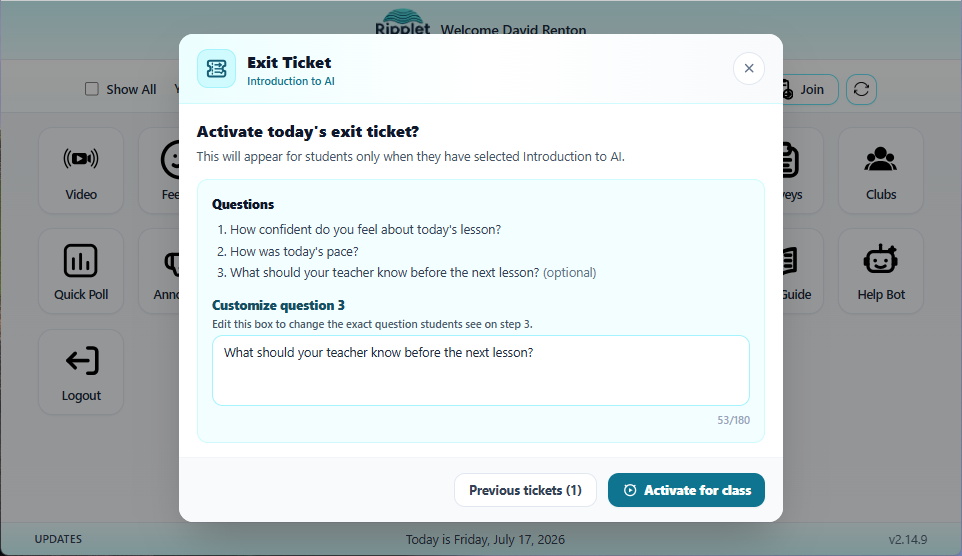
Exit Ticket
A teacher-only closure prompt that sends students a confidence check, pace check, and written reflection, then shows live averages, pace percentages, and individual written responses.
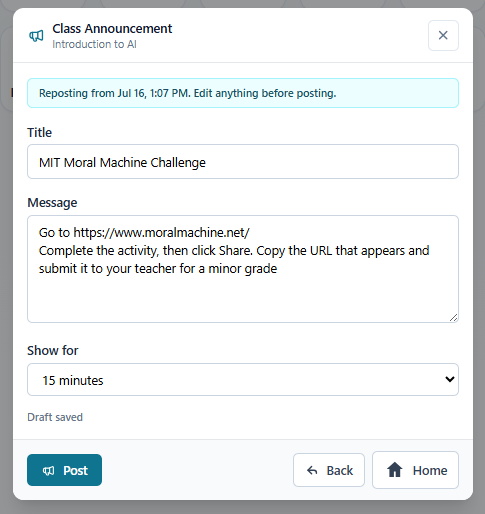
Class Announcements
A teacher-only notice tool for sending temporary class announcements with optional titles, links, messages, and 15-minute to 4-hour display windows on student Home Screens.
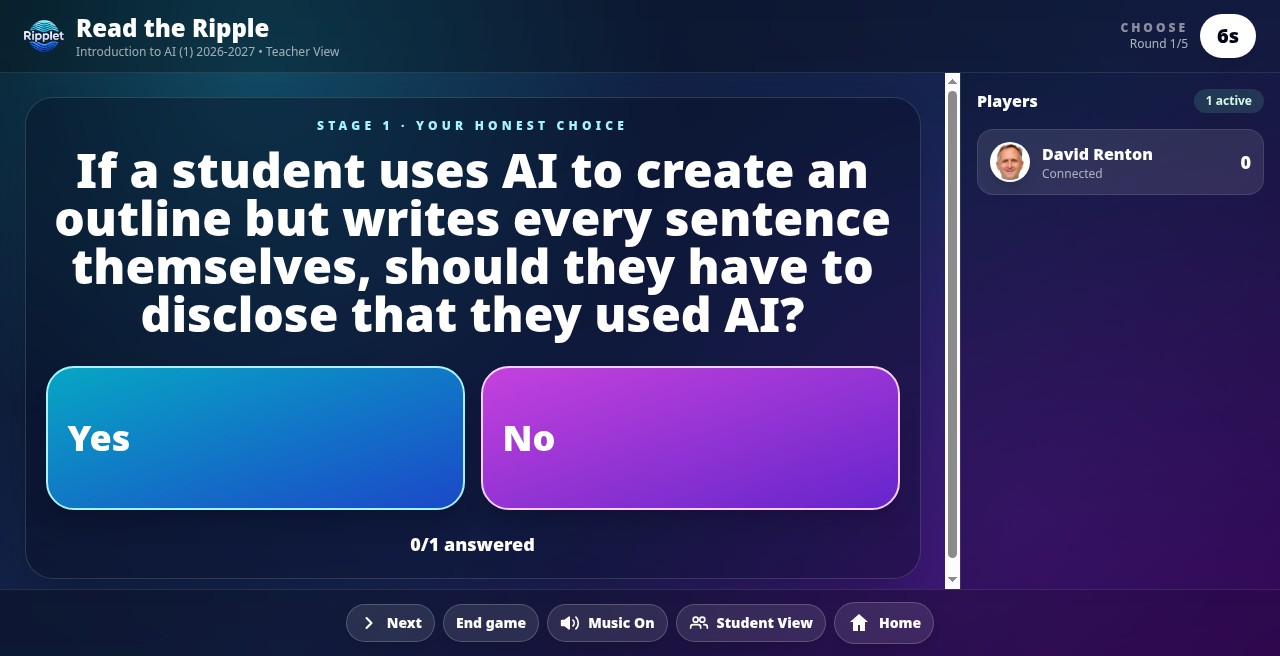
Read the Ripple
A would-you-rather prediction game. For each round, students vote their own honest preference on a two-option prompt, then predict what the class majority chose. Correct predictions earn points, with a speed bonus, across a teacher-set number of rounds with a live leaderboard.
Rebound
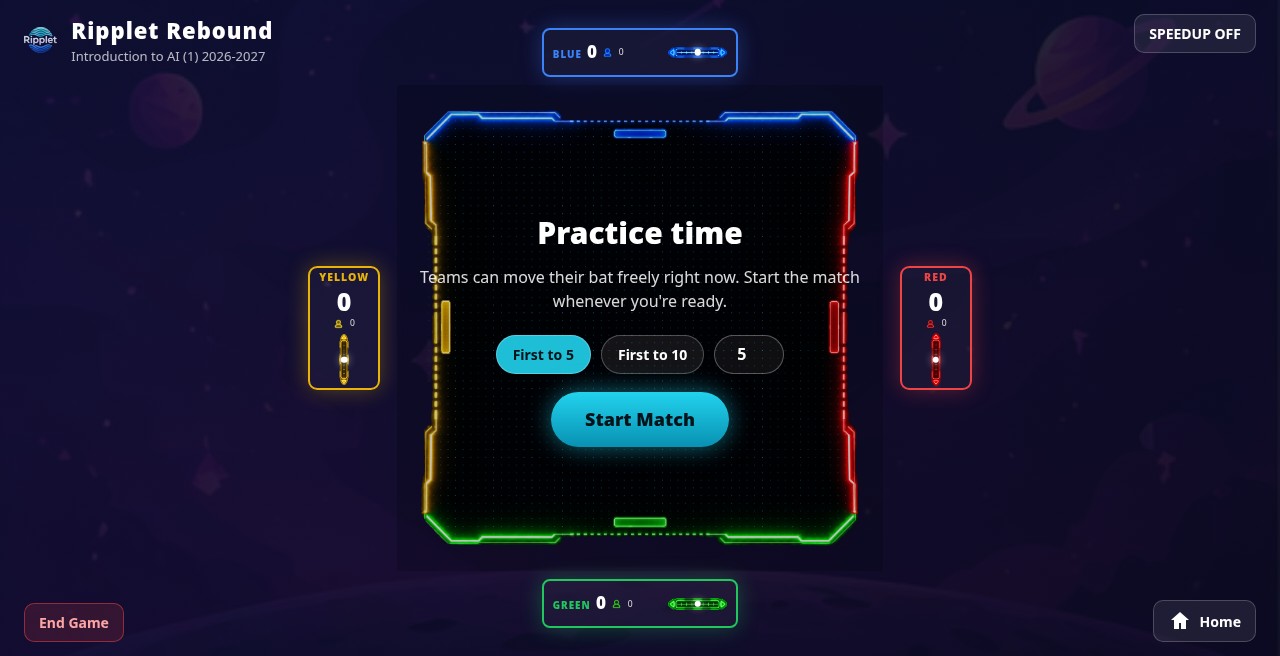
A 4-way multiplayer Pong-style team-building game. The board is projected on the teacher's screen, and every student on a team shares control of that team's single paddle from their own device. Paddle speed comes from the team's net vote in real time, so an agreeing team moves fast and a split team stalls out — coordination matters more than reflexes.
AI Chat
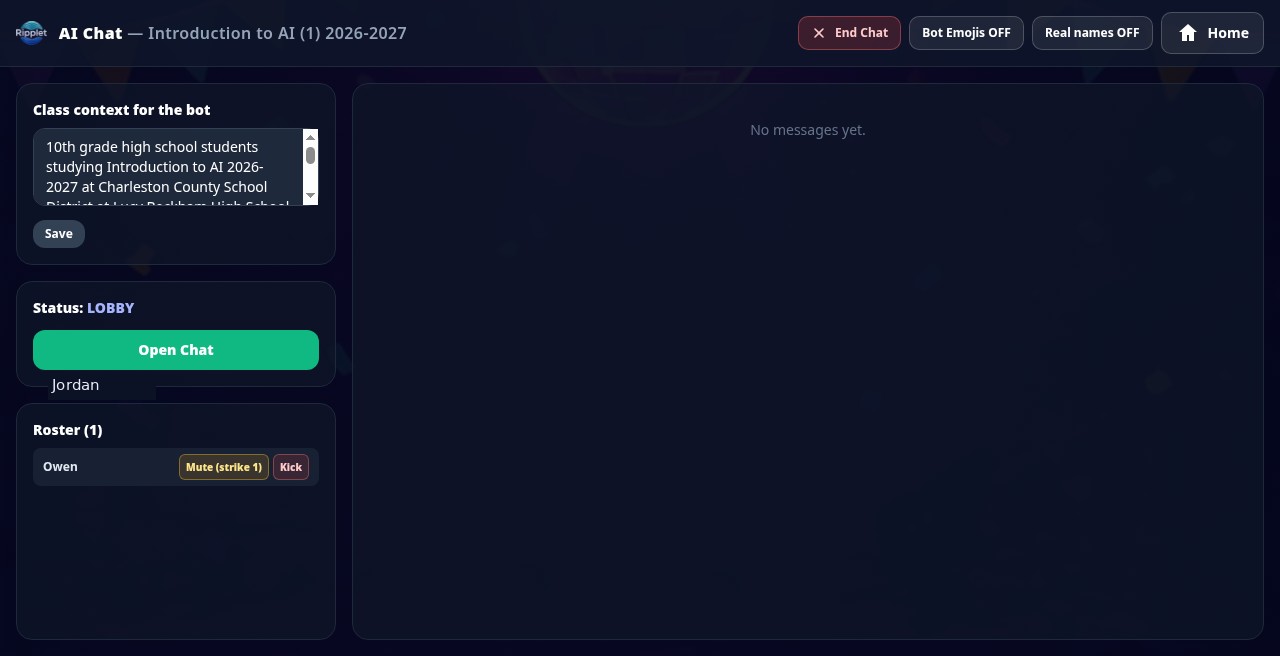
A classroom Turing Test for studying AI - engaging and discussion-sparking, not a homework assistant. Students join a shared chat under randomly assigned fake names, with one participant secretly an AI bot. The class votes to identify who they think is the bot, then talks through how easy or hard it was to tell - a concrete way to experience the Turing Test and how humans judge machine conversation. Real-name use, spam, and blocked words are moderated automatically.