Math practice with fluency, racing, team games, and assessment.
Ripplet Math gives elementary classrooms individual fluency rounds, solo and multiplayer racing, team games, teacher-controlled settings, independent assessment, and recorded stats.
One Math suite, three practice modes, plus assessment
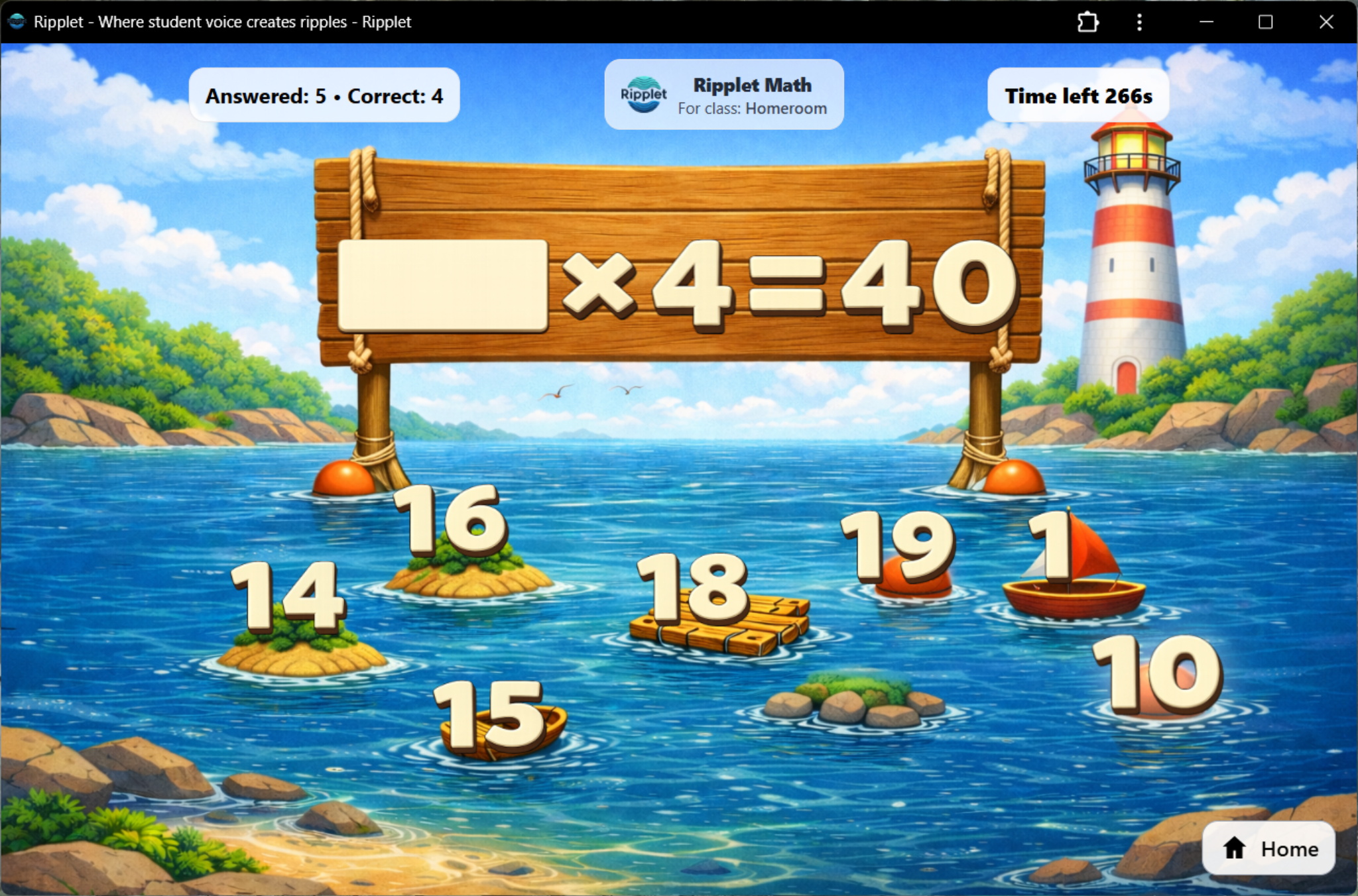
Math Fluency
Single-player practice with multiple-choice or typed answers. Students work through gamified rounds, and stats are recorded for teacher review.
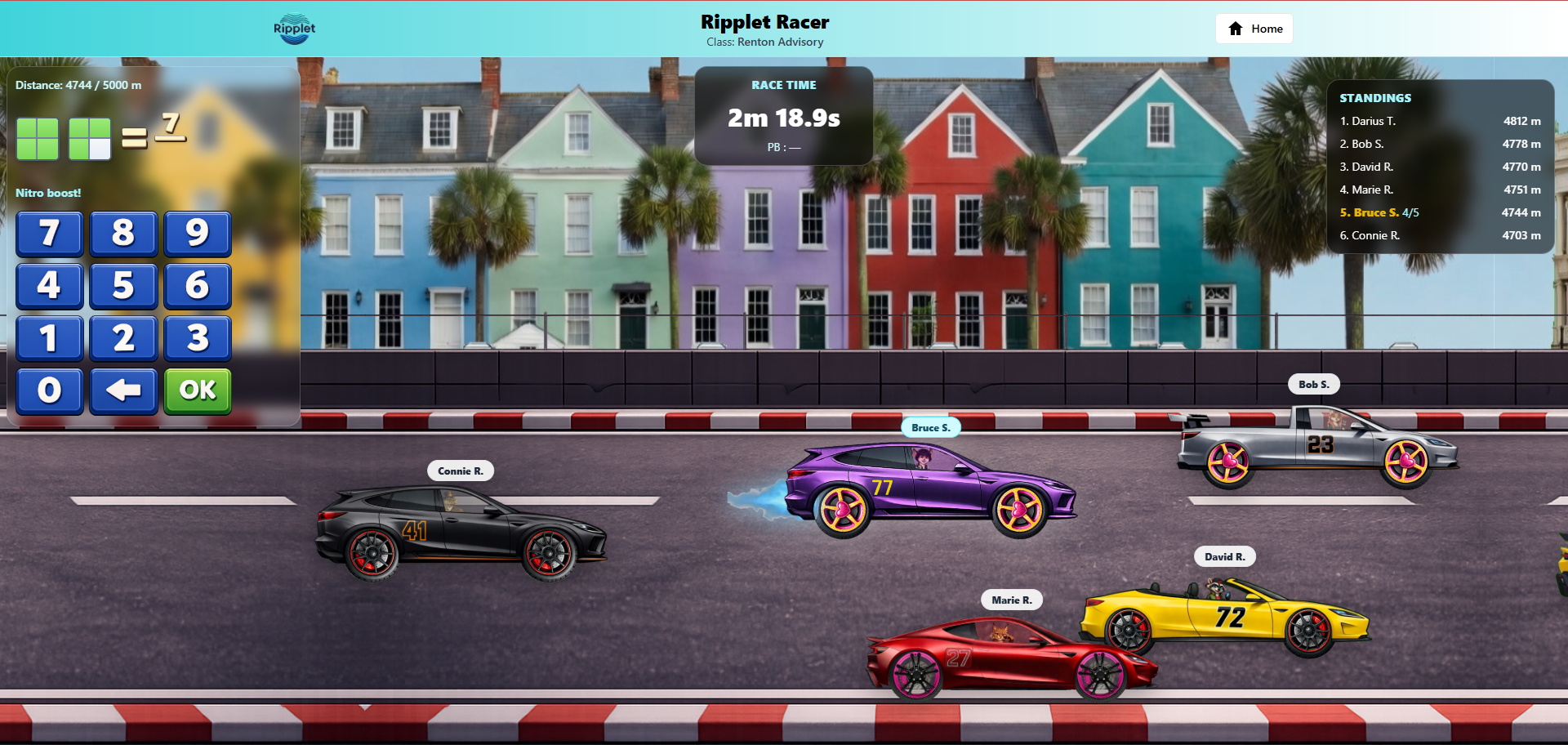
Ripplet Racer
A proper Math edu-game with solo practice and live multiplayer class races. Students answer Math questions to move their cars forward.
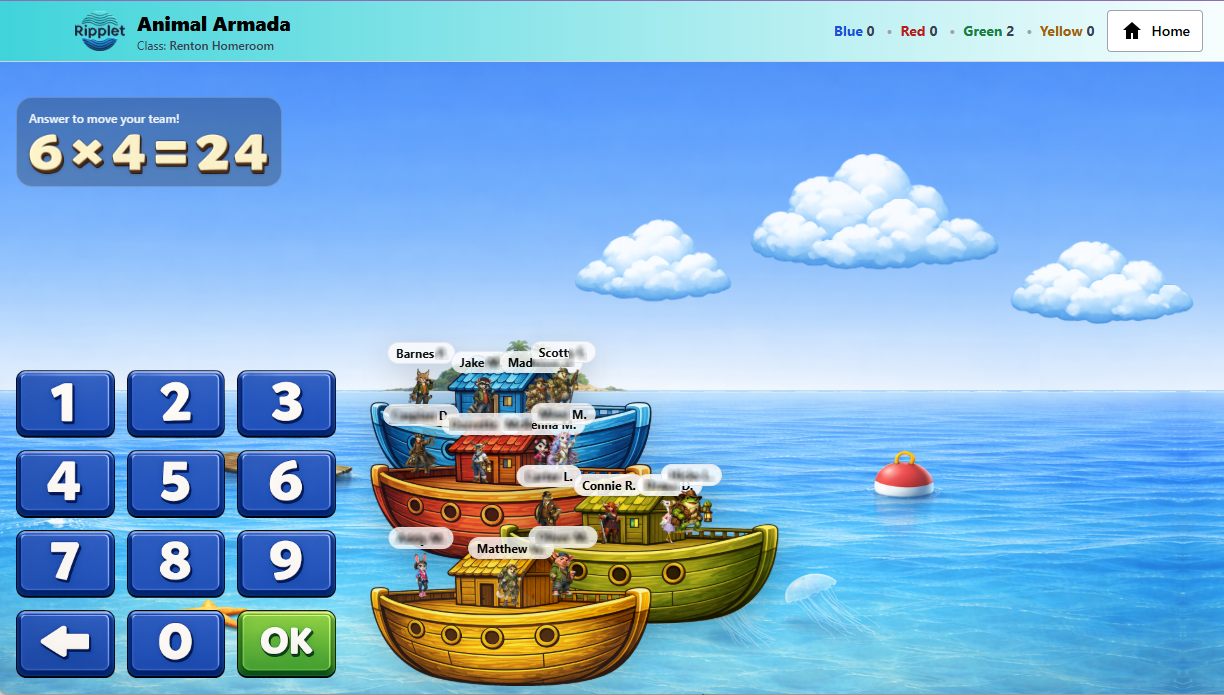
Animal Armada
A team-based race where students choose characters, join one of four boats, and help their team move by answering Math questions.
Math Assessment
A structured independent test built from the current class Math settings, with scores, timing, strengths, and areas that need work saved for teacher review.
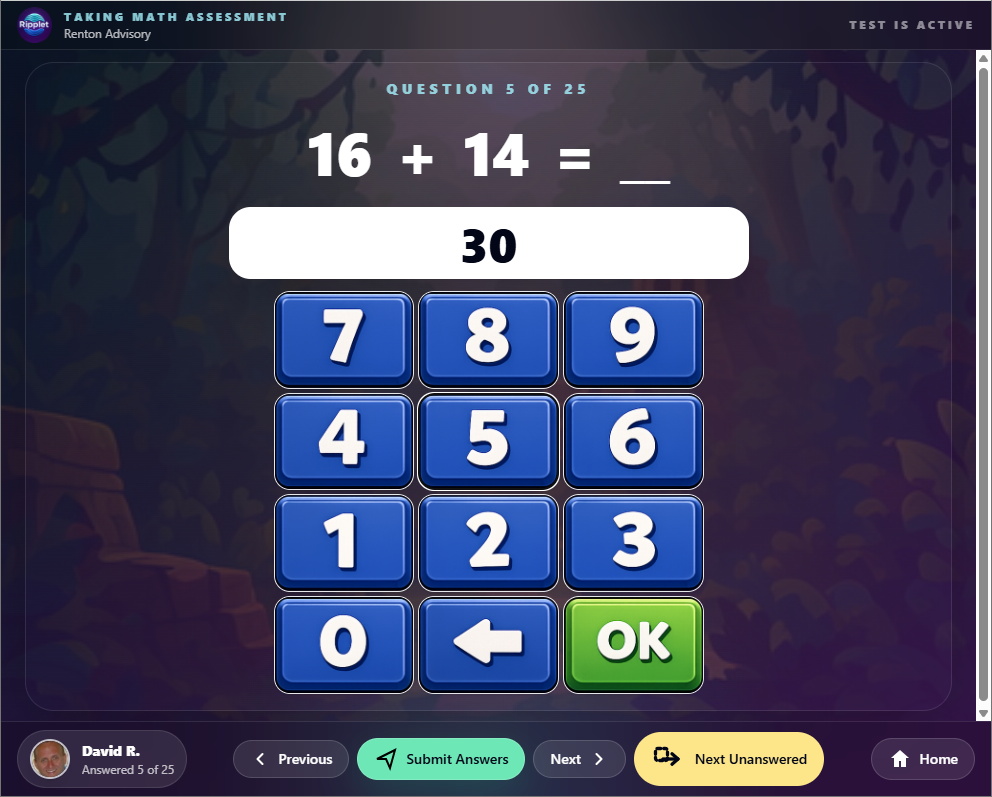
Fast individual practice with choice or typed answers
Math Fluency is the quick single-player practice mode inside Ripplet Math. Teachers can use it for daily repetition, progress checks, or preparation before a game.
Question examples
Students practice basic facts, identifying fractions, equivalent fractions, and fraction-decimal connections in a bright game-like setting. They can answer by choosing from options or by typing the missing value with an on-screen keypad.
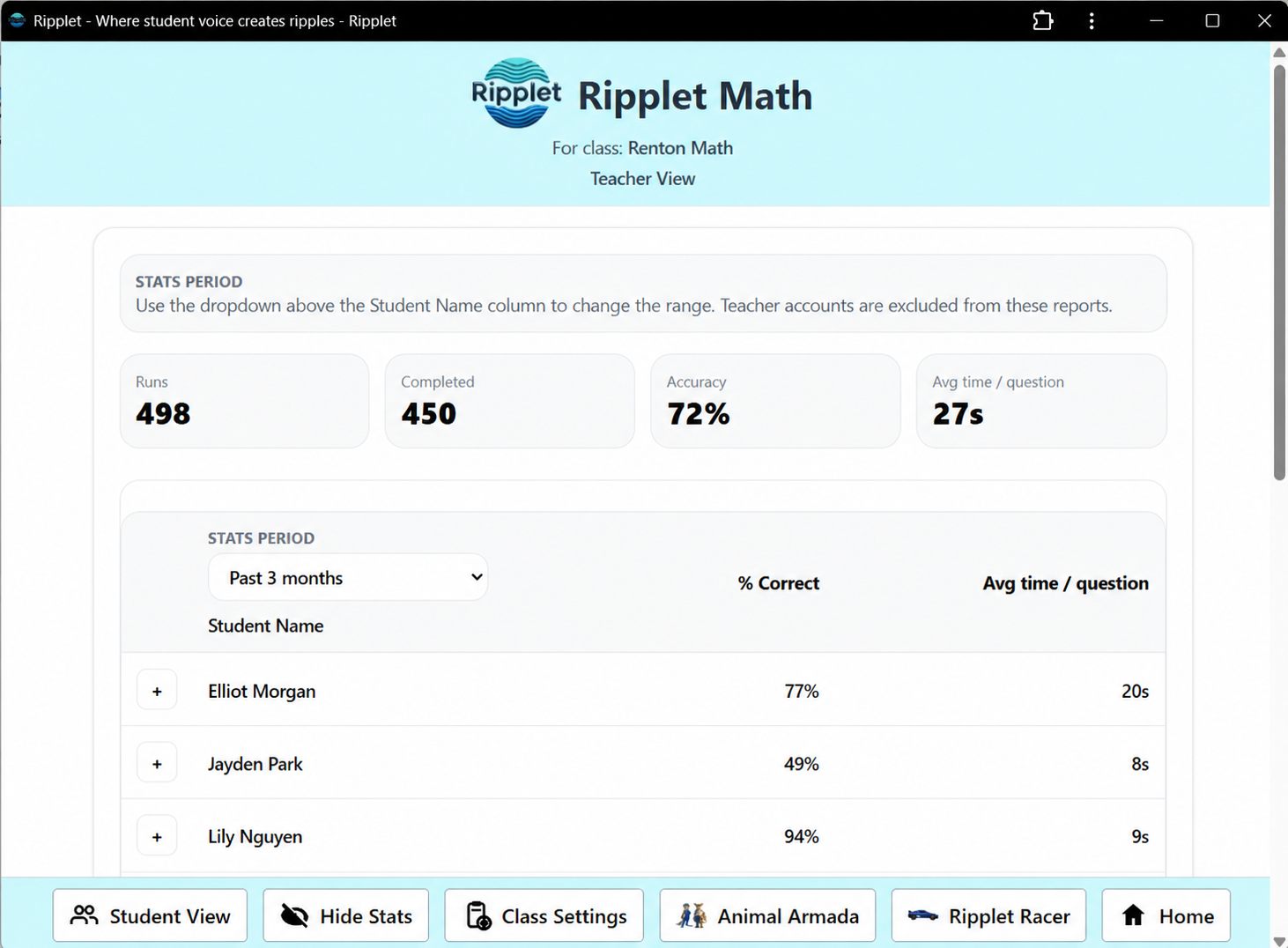
Useful practice data
Rounds are saved so teachers can review accuracy, timing, completed work, and recent practice patterns.
Solo practice or a full-class multiplayer race
Ripplet Racer can replace or complement fluency practice when teachers want the same question generator inside a more immersive racing game, with racing, choice, feedback, and visible progress that still gives teachers usable Math data.
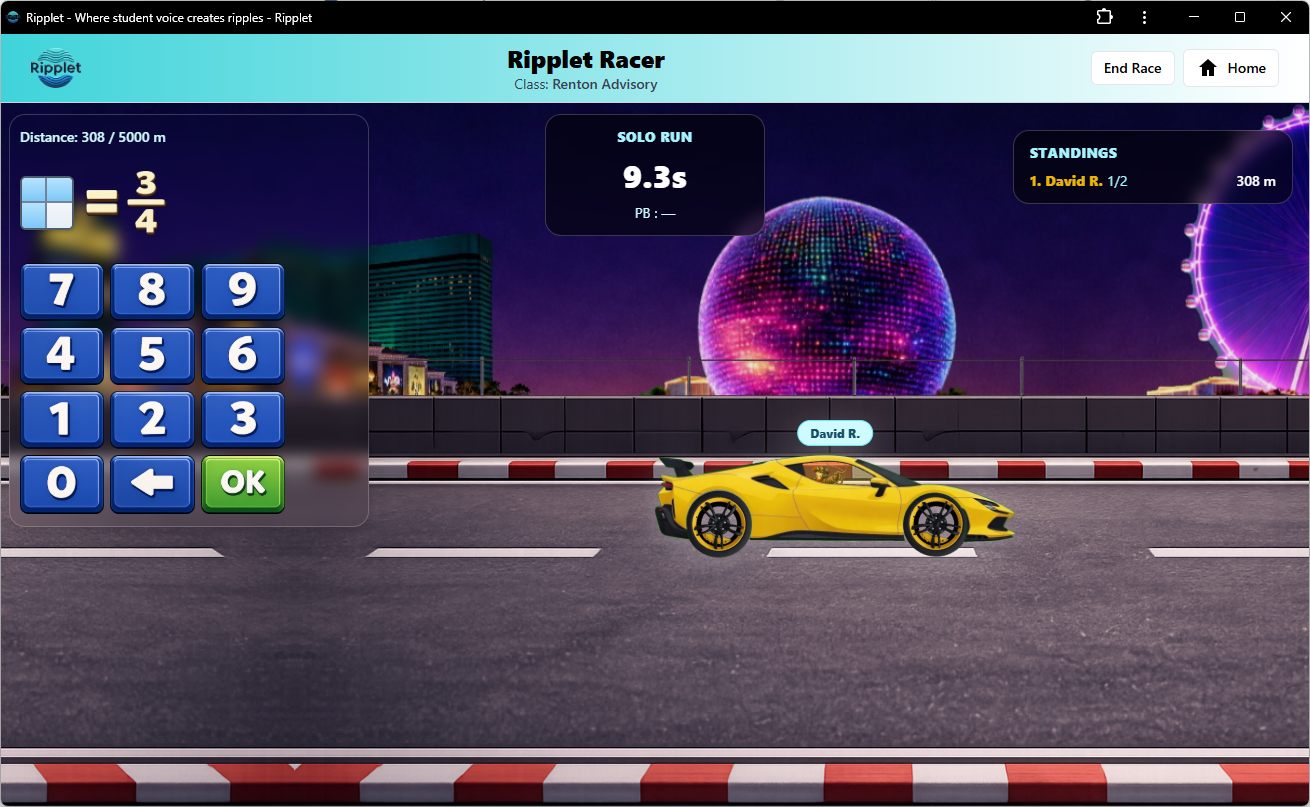
Solo mode
Students answer typed Math questions, receive feedback, and save race results into their Math stats.
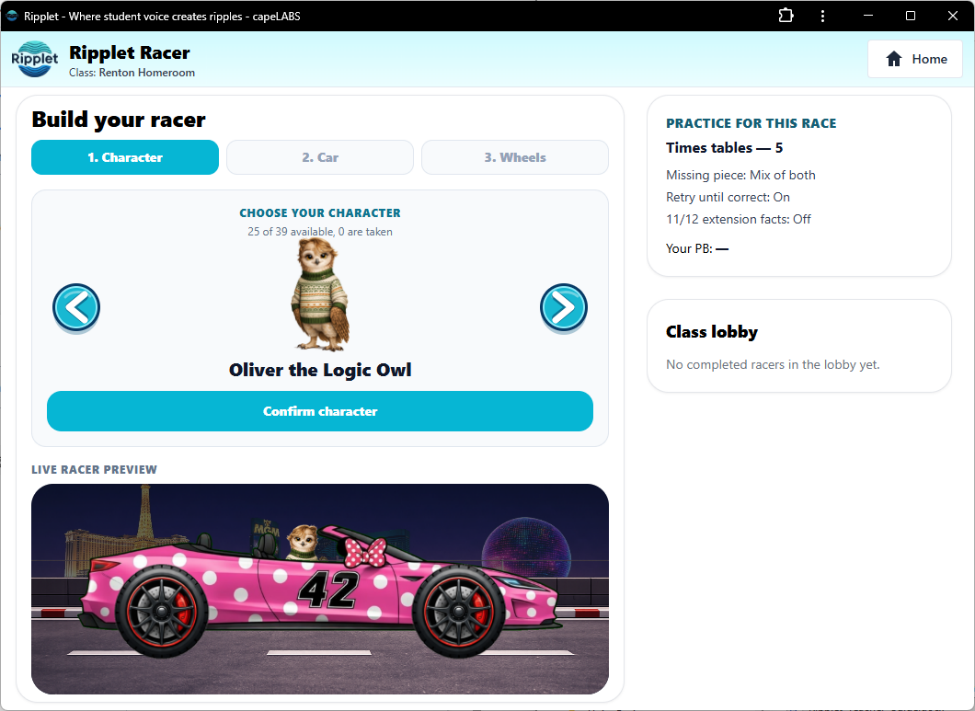
Class race
Students choose their character, car, and wheels, join the teacher-launched race, and compete together by answering questions from the selected Math settings.
A collaborative team race for Math practice
Animal Armada gives the class a shared goal. Students choose characters, join one of four boats, and help their team move by answering Math questions.
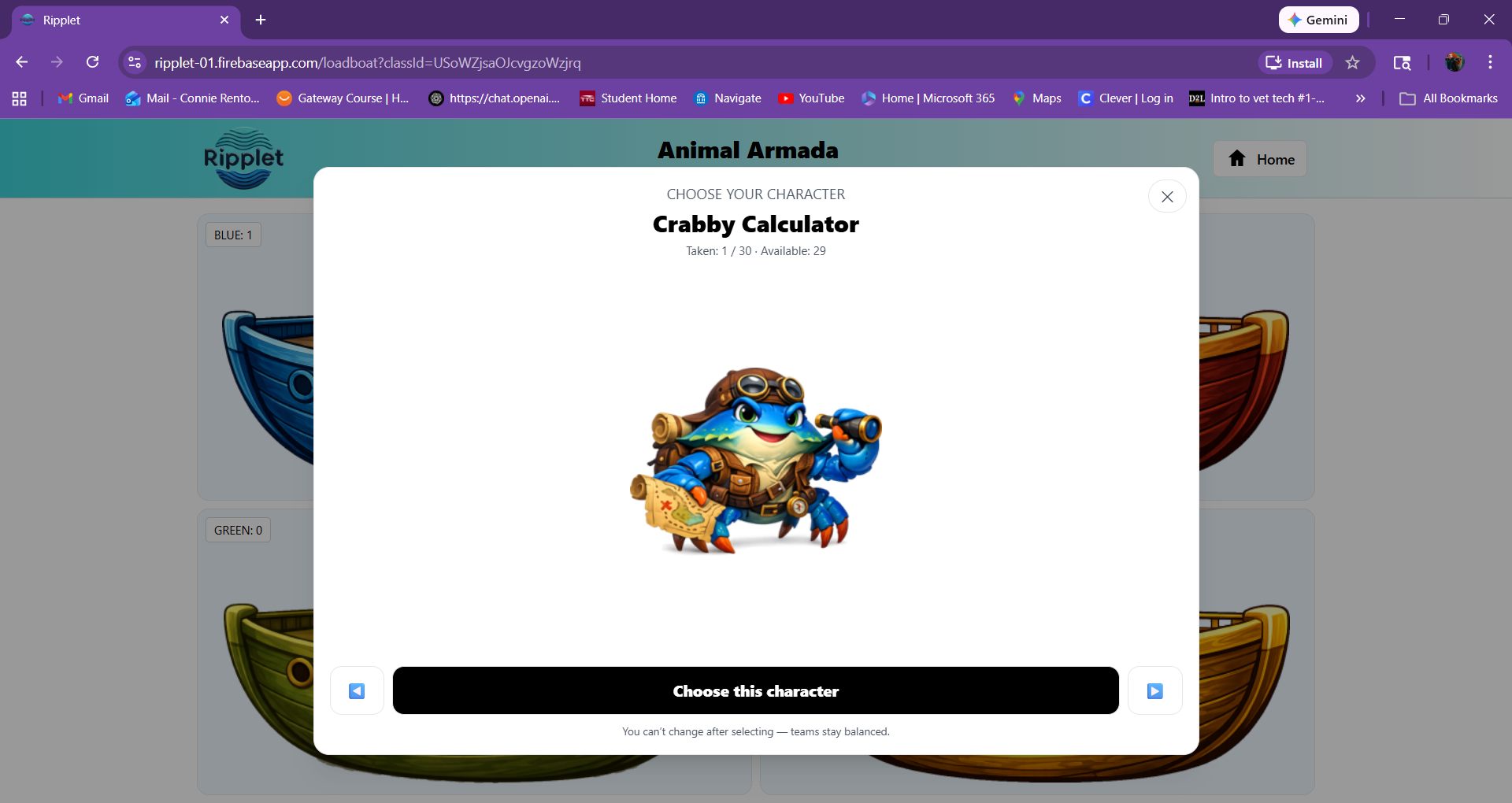
Race as a team
Because students race in teams, a student who is still building confidence can contribute practice while sharing the win with classmates.
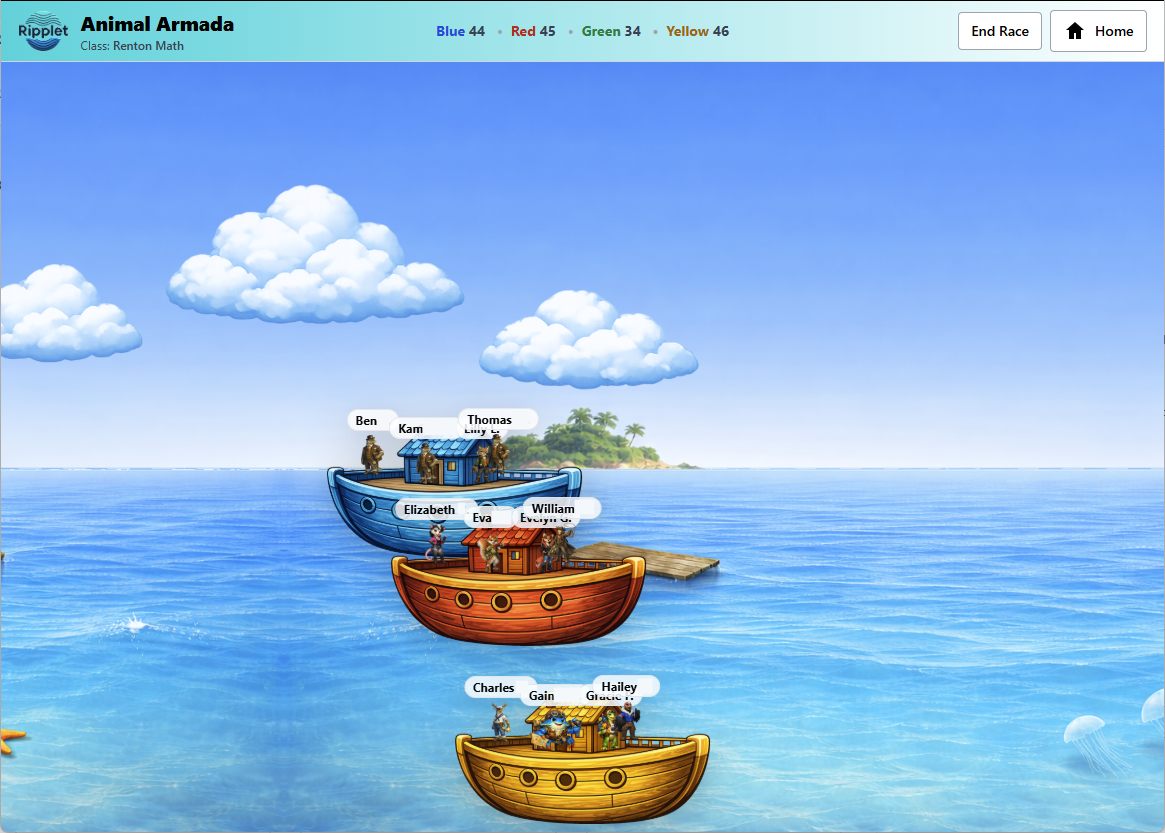
Engaging multiplayer team play
Four boats create shared momentum, so students experience Math practice as a class event rather than an isolated worksheet routine. These Math edu-games are innovative, distinctive, and highly engaging for lower elementary students using Ripplet.
Independent tests from the same Math settings
Math Assessment turns the current class Math configuration into a structured test. Students complete the generated assessment on their own, and Ripplet records answers, score, timing, strongest areas, and areas that need work.
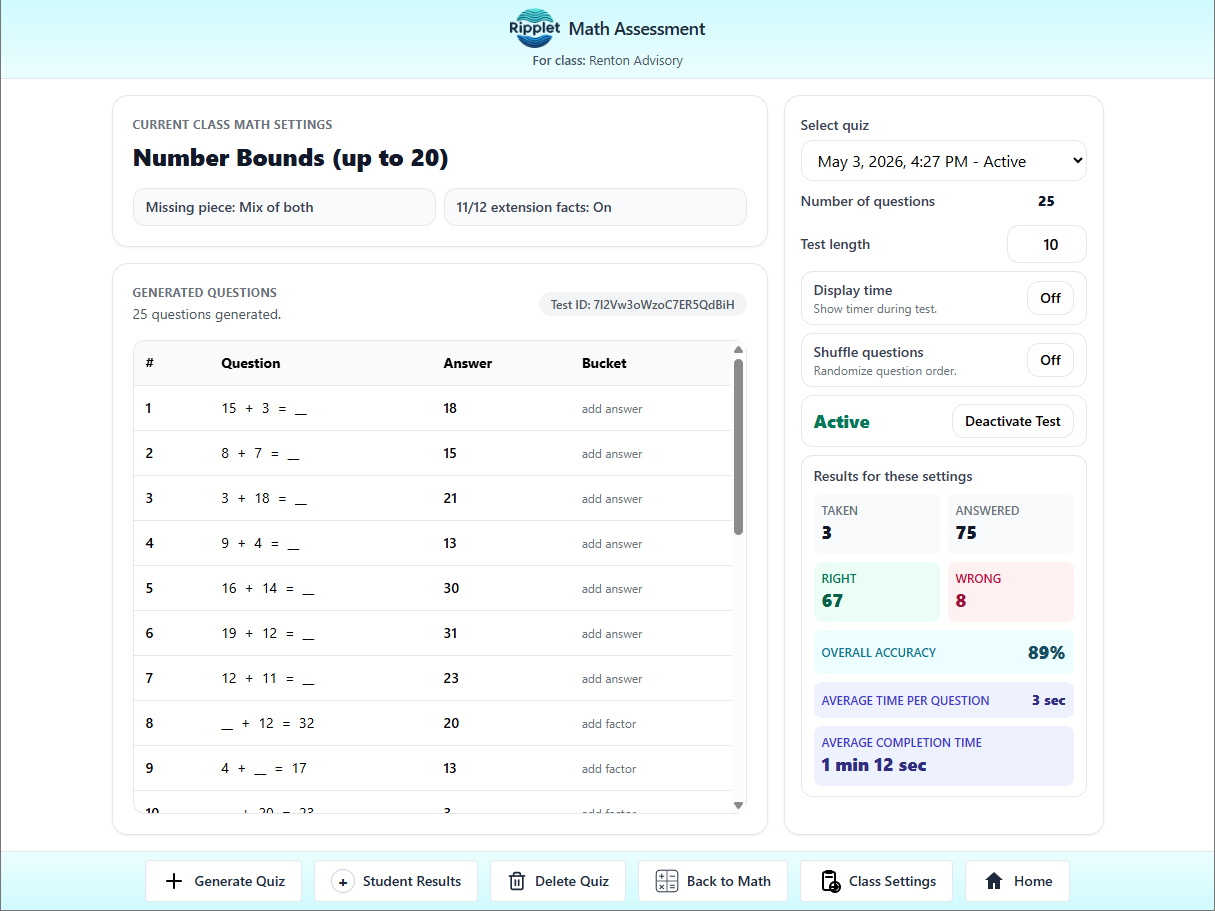
Create, activate, and manage tests
Teachers generate questions from the selected topic and settings, choose the test length, decide whether students see the time, shuffle questions, activate the assessment, and review totals for that exact setup.
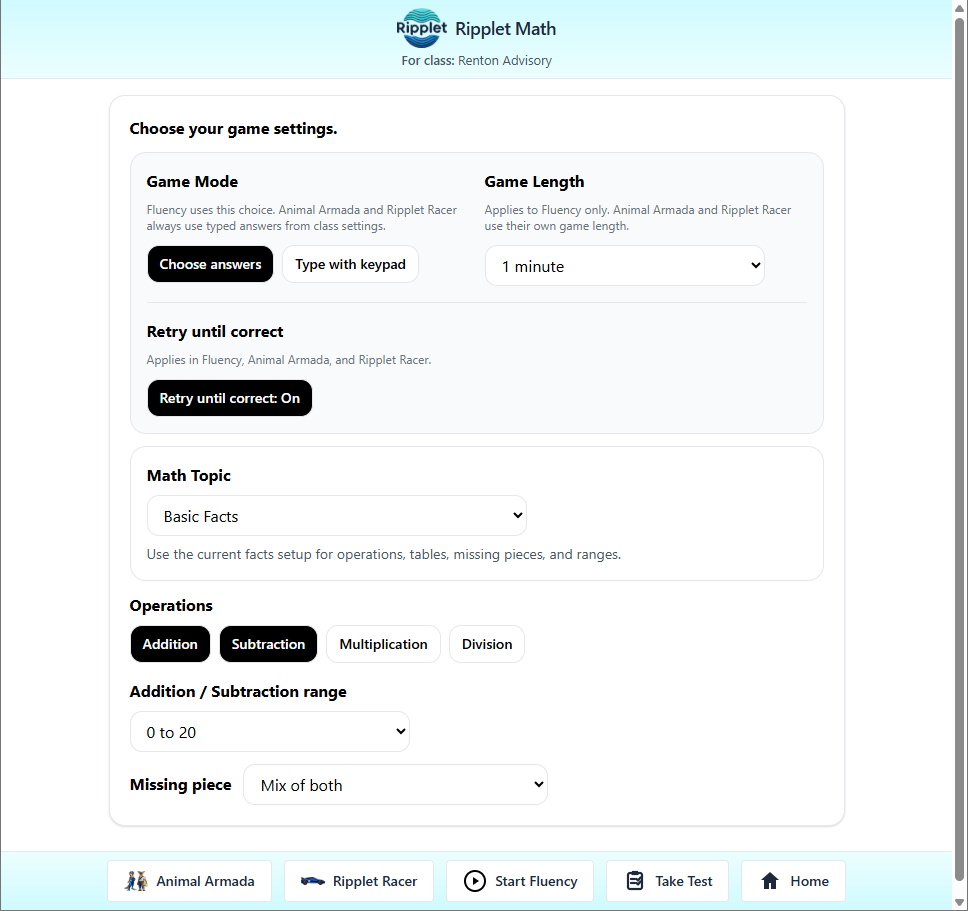
Clear evidence after the test
Students open Take Test from the Math toolbar, work through the assessment, and submit their answers. Teachers can then review accuracy, total time, average time per question, strengths, needs-work areas, and question-by-question responses.
Teacher-controlled settings with facts, fractions, and decimal equivalence
Teachers can set class defaults, lock or unlock student settings, and use the same question generator across Math Fluency, Ripplet Racer, Animal Armada, and Math Assessment.
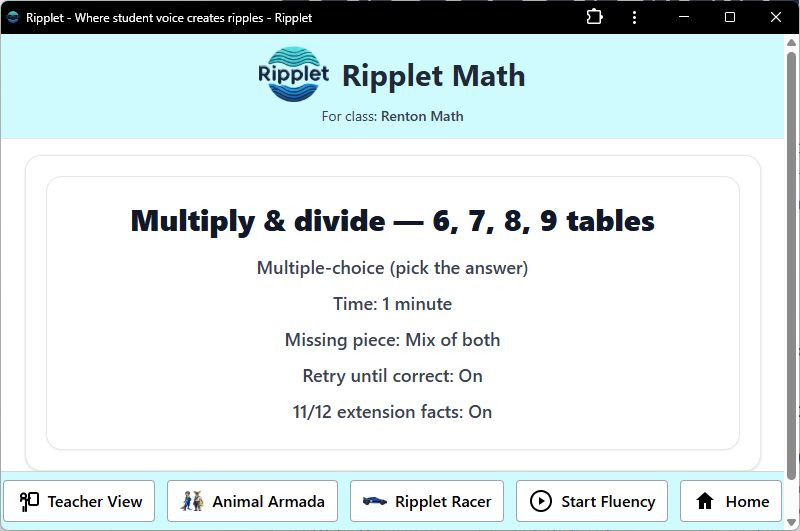
Teacher and student settings
Class settings determine whether students can adjust their own practice settings or use the configuration selected by the teacher.
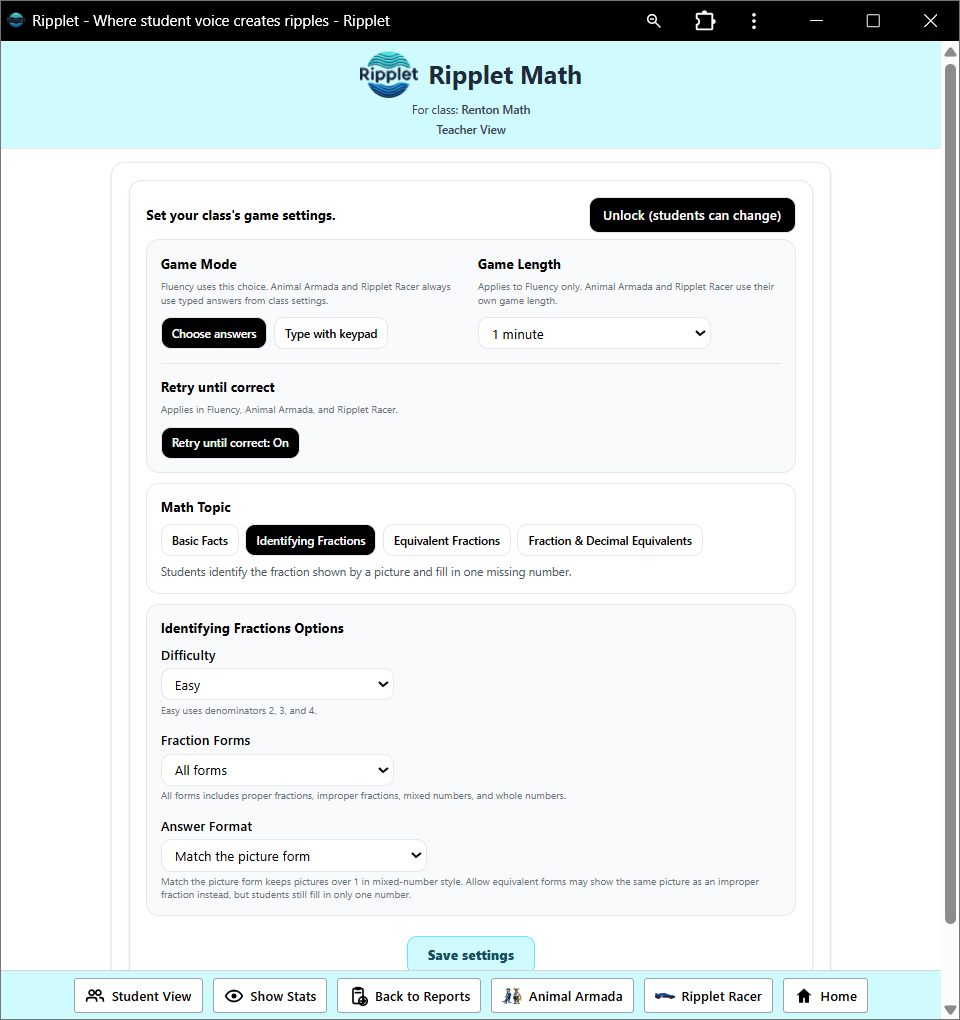
Facts, fractions, and equivalence
Students can practice addition, subtraction, multiplication, and division with teacher-selected ranges and timing. Ripplet Math also supports identifying fractions from pictures, completing equivalent fractions, and converting between common fractions and decimals.